
Unit 1 - Using your guidebook can enhance a stay
Here, we focus on the core promise of any guidebook: enhancing the guest experience so that they have a brilliant time, leave an exceptional review and come back to stay again.
There’s a secondary, harder to measure benefit to this. It also makes everything more personal. Experience tells us that the more personal it feels, the better your property will be treated, the more likely a great review and the more likely a return guest.
You and your love of the property and area is a unique selling point in itself; maximise that benefit. You’ve invested in this training because it matters to you: make sure your guidebook reflects that and creates business value in that passion you have.
The first aim is to take a little piece of your guidebook (or write a little piece if you’re brand new) and upgrade it by shifting from generic to unique, adding personal wow touches.
Prompt: Audit your current guidebook (or lack of one). Spot what’s generic. Replace at least one section with something unique that positions you as the local expert.
Note: Unless you have oodles of extra time, this doesn’t need to be the moment to change formats. If your guidebook is on Word (mine is, then I convert to pdf), Canva or Touchstay, all of this works a treat. If you change your mind further down the line, it’s all very copy and pasteable. Our focus here is on top notch content.
Choose whichever level suits where you are now. One good upgrade is all you need to start this process. Once you’ve completed the training once, you may go back and do more. You’ll get to the rest in time, but this is about small steps.
To create pages like the examples given, you’ll find the tech videos at the very bottom of the page useful. In these examples, photos have been aligned and hyperlinks used, as per the first video.
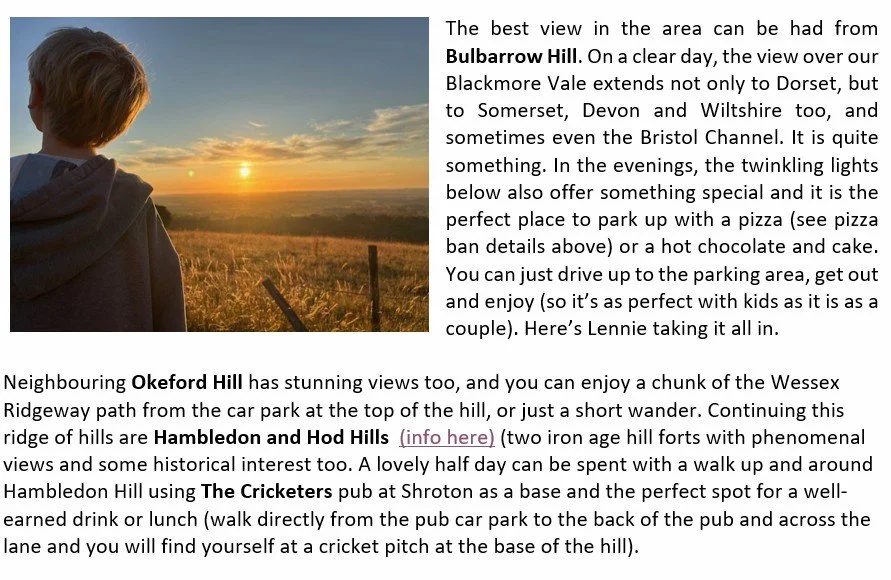
Beginner: Build or enhance a ‘Things to do’ page with three unique local picks (not just ‘nearest Tesco’).
Choose things that aren’t necessarily on TripAdvisor and that you genuinely love: a special view from a hill or a certain dish on a menu that is the very best.
Mention when you’ve been there or done it. Add insight that folks couldn’t get anywhere else, like a walk from your place to the special spot, or the best time of day to do it.
If you don’t have a guidebook yet, don’t panic. This is the perfect place to start small: just pick three things to write about. Fewer ideas with more detail are best for the personal touch.
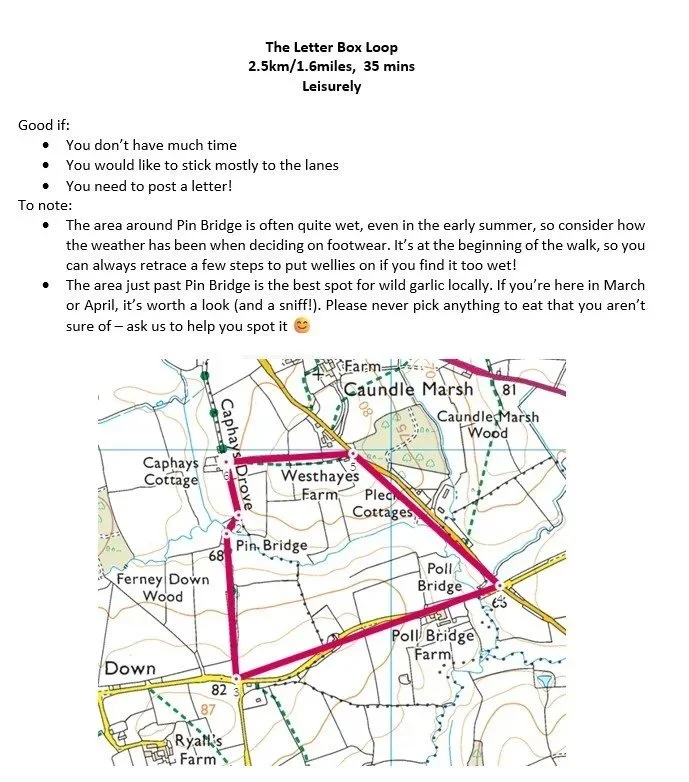
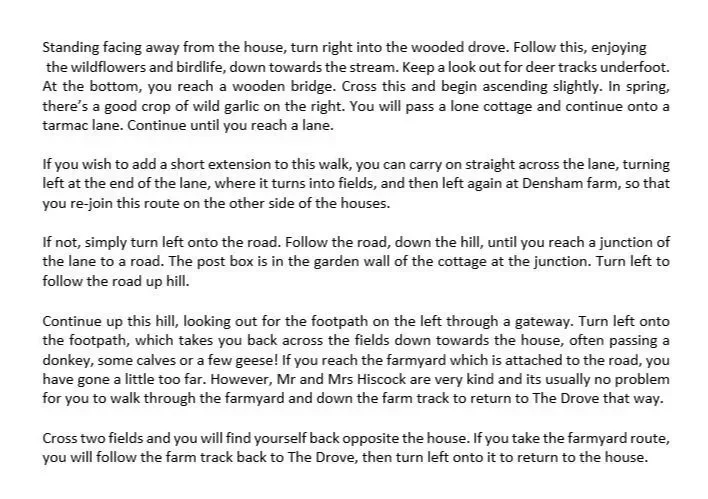
Intermediate: Add a walk or self-guided trail (eg. ‘family-friendly woodland loop’ or ‘3-stop historic city walk’) with a focus on your ideal guest.
If it’s couples, make it a romantic walk; if it’s families, make it a trail where they spot things, for example. Again, make this something they couldn’t pick up elsewhere.
If there’s a local walk already in existence, use it, but add the best pub to stop at or the best spot for a photo (you could even add a pic of you there!).
In the example pictured, I used an OS map I created on the (paid for) app but, to be honest, a screenshot and a felt tip scanned or Canva or similar would work just as well.
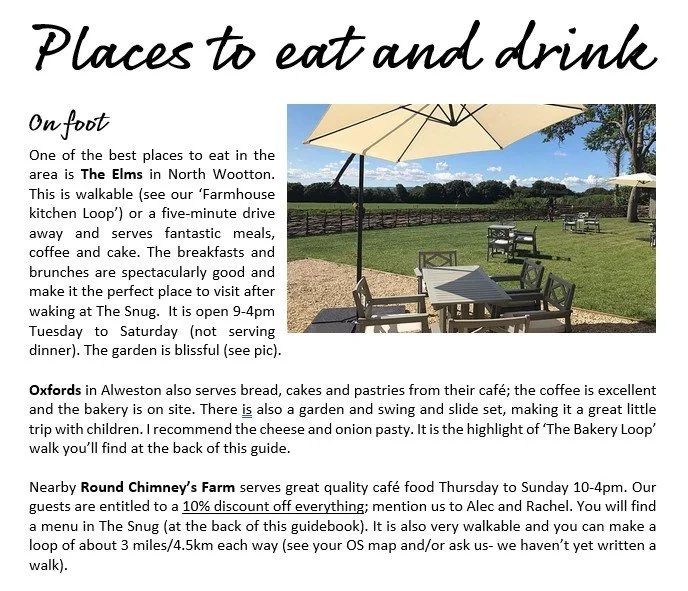
Advanced: Secure a local partnership or discount and weave it into your guidebook.
I have a discount for guests at a local café and another for our toiletries. It makes them feel special and builds local support on social media and in person. Double win.
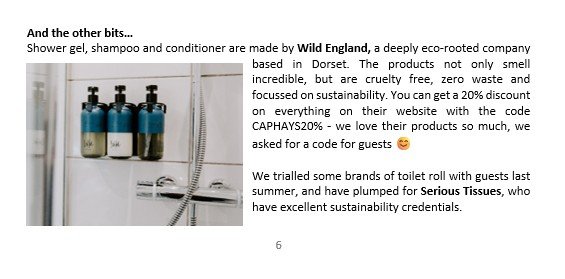
If you fancy this discount yourself, it’s actually 30% off for hosts, with the code KAYGIBBS30 at Wild England UK.
How to align an image and add a hyperlink
Tech Tutorials - using Word to create
How to crop an image
How to add a table
How to create a page break
How to save as a pdf